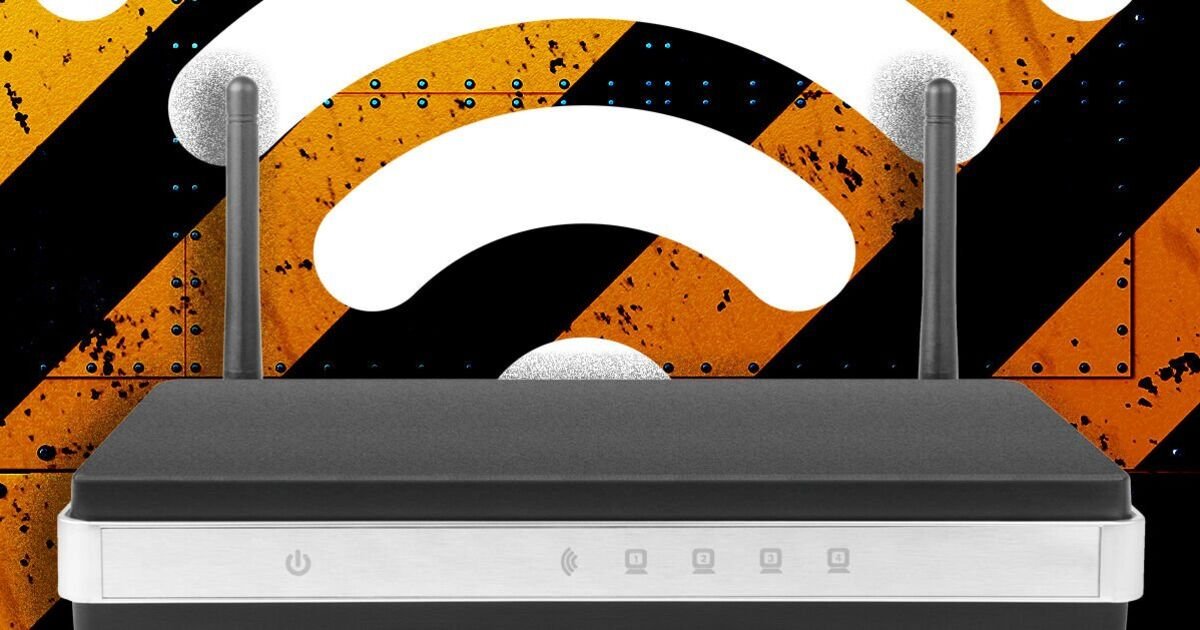

With more of us streaming movies, working from home and downloading massive games onto our consoles, a decent broadband connection is now vital. However, despite overall connections getting quicker, the latest data reveals that millions of us still suffer from lacklustre speeds, and it’s not always the fault of Internet Service Providers (ISPs). Of course, if an ISP only offers 70Mbps downloads, there’s nothing homes can do to make things any faster, but there are some easy things to check to make sure everything is working at its best.
According to Community Fibre, one of the first places to start is checking the age of the router that powers the broadband. Anyone with a hub that is over 5 years old should consider switching to something newer as soon as possible, as older routers simply can’t keep pace with modern needs.
“Older routers may not support modern WiFi standards like WiFi 6, which offer faster speeds and better coverage. If your router is more than five years old, it could be the bottleneck,” Community Fibre explained.
“Newer routers are designed to handle more devices and reduce interference. Upgrading can make a huge difference, especially in busy homes.”
Most ISPs should offer something newer for free, but there are also plenty of Wi-Fi 6 and Wi-Fi 7 routers on the market, which can all help boost speeds.
Along with upgrading the router, there are some other simple things to try, including checking where it’s been placed.
Community Fibre says it’s vital to keep that flashing black box away from things that could interfere with the signal. It’s also a terrible idea to shove it in a cupboard or behind the fish tank.
“WiFi signals weaken when they pass through walls, furniture, or appliances. Placing your router in a cupboard, behind a TV, or near metal objects can drastically reduce performance.
Instead, position your router in a central, elevated spot – ideally on a shelf or wall mount – and away from other large electronics such as microwaves.
It’s not just walls that block WiFi. Things such as some baby monitors, radio devices and Bluetooth speakers can cause signal interference, and others (e.g. Mirrors, fishtanks, chimney breasts, walls) introduce signal attenuation – where the signal strength is weakened as it passes through.
Finally, it’s a good idea to see how congested things are. If you think of broadband a little like a motorway you’ll get a good idea of why things can grind to a halt. The more traffic running along the cables, the slower things get.
“Every device connected to your WiFi shares the available bandwidth,” Community Fibre added.
“If your household is streaming, gaming, and video calling all at once, speeds can plummet.
“Disconnect devices you’re not using and consider scheduling large downloads outside of peak hours. If you have the option of hardwiring devices that don’t move, this will help relieve congestion. Some routers will also allow you to adjust your router’s settings to prioritise traffic for work calls or streaming.”
