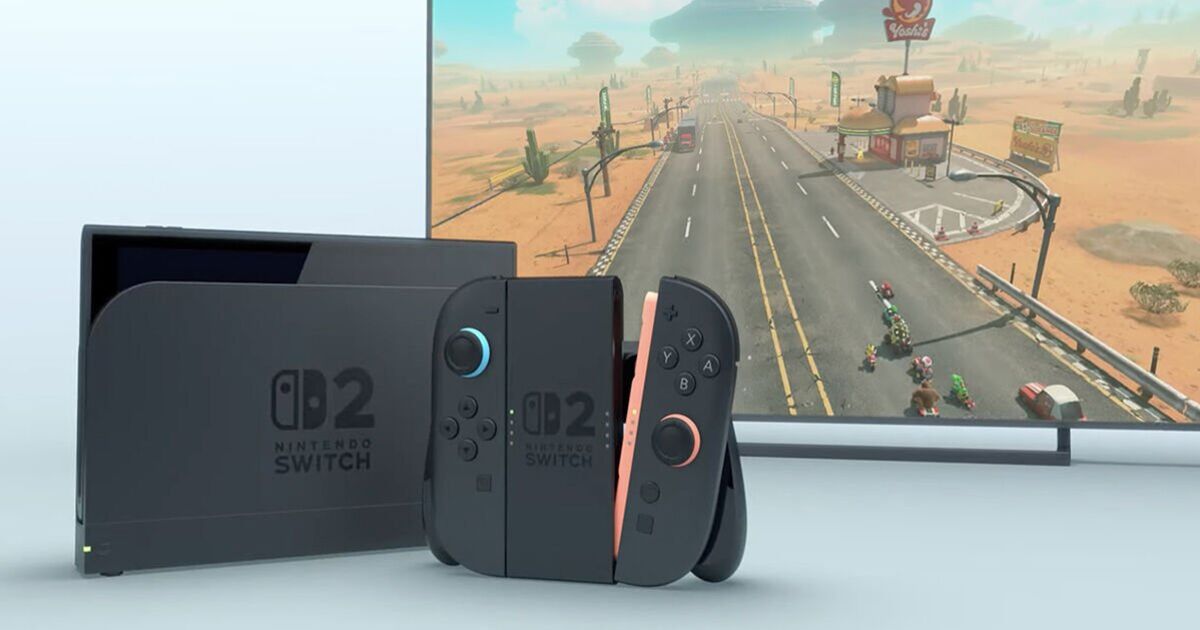

If you purchased a Nintendo Switch 2 at launch, then you may have experienced one or two teething issues with your new console.
This includes a problem with the battery indicator, which is showing incorrect information based on usage.
As Nintendo points out, some fans are able to use the Switch 2 console “for a few hours even though the battery charge indicator displays the battery is almost depleted”.
Fortunately, Nintendo has released a fix for the battery indicator issue, which can be rectified by following a few simple steps.
Before you proceed, however, you’ll need your Nintendo Switch 2 console, your Nintendo Switch 2 AC adapter and access to the internet.
You’ll also need to be running the latest firmware, which means checking the system menu for the latest update.
Once you’re fully up to date with a sufficiently charged console, you’re ready to fix that pesky battery issue.
Simply follow the steps below to get your Switch 2 working properly.
How to fix battery indicator issues for Nintendo Switch 2…
1. Confirm that you’re using an adequately powerful AC adapter to charge your console.
2. Confirm that your console has the latest system update.
3. Power off the console.
4. Press and hold down the volume up (+) and volume down (-) buttons, press the POWER Button once to turn the system on.
5. Keep holding down the volume buttons until the menu for Recovery Mode appears. Navigating to this menu should reset the battery level meter.
6. Power off the console again by pressing and holding the POWER Button until it turns off.
7. Power the console back on and monitor the situation.
